September 4, 2025
· 4 min readKafka Explained with Real-Life Examples: Why It Matters and How It Works
Struggling to understand what Kafka is and why everyone talks about it? This post explains Kafka in simple terms using real-life examples. Learn how it solves microservice bottlenecks, enables real-time analytics, scales with partitions, and persists data for replay—making it one of the most powerful tools for modern distributed systems.
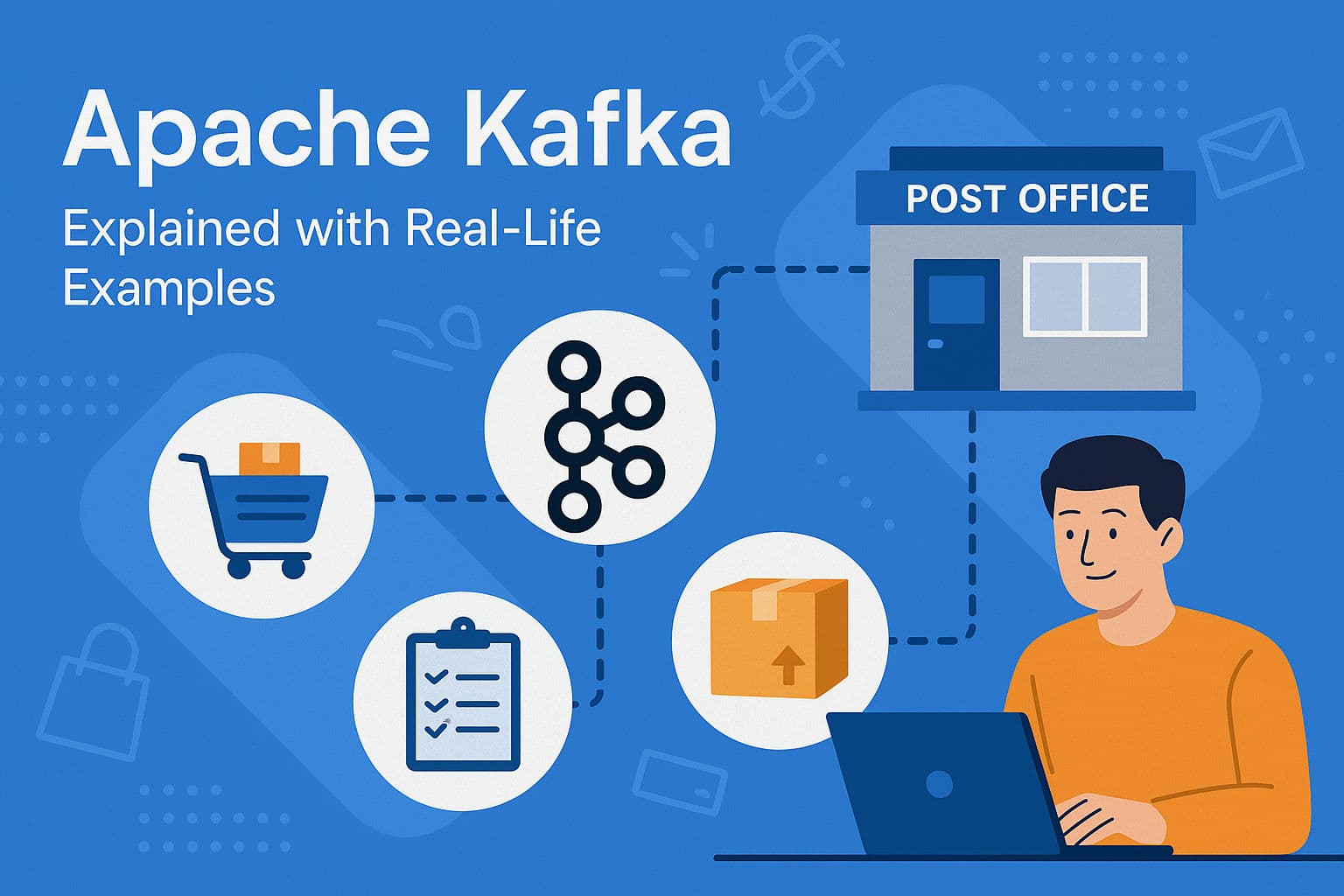
If you’ve been hearing about Apache Kafka but don’t fully understand what it is—or why there’s so much hype—this post is for you. Instead of diving straight into jargon, let’s break it down with real-life examples that will make everything click.
The Problem: When Microservices Don’t Scale
Imagine we’re building an e-commerce app called StreamStore. We have several microservices handling payments, orders, inventory, notifications, and analytics.
When a customer places an order, a chain reaction starts:
- Inventory must be updated.
- A confirmation email must be sent.
- An invoice with sales tax must be generated.
- Sales and revenue dashboards need updating.
At first, our architecture is simple: services call each other directly. The order service tells everyone else, “Hey, we’ve got a new order—go update yourselves!”
This works fine… until scale hits.
- Black Friday arrives.
- Traffic surges.
- Suddenly, the system slows to a crawl.
- Customers stare at endless loading screens.
- Sales are lost.
Why?
- Tight coupling – If the payment service goes down, the entire order process freezes.
- Synchronous communication – One slow service delays everything.
- Single points of failure – An inventory outage creates massive backlogs.
- Lost analytics data – When analytics goes down, sales insights disappear.
Our “clean” architecture turns into a nightmare.
The Solution: Events Instead of Direct Calls
So, how do we fix this?
Instead of services calling each other directly, we introduce a broker—a middleman that handles communication.
Think of it like a post office:
- Sellers don’t deliver packages themselves.
- They drop them off at the post office.
- The post office makes sure the packages reach the right people.
Kafka works the same way.
The Order Service creates an event (like a package):
{
  "orderId": "12345",
  "customer": "Saurabh",
  "products": ["Laptop", "Mouse"],
  "total": 1500
}
It hands this event to Kafka and moves on. No waiting. No bottlenecks. Kafka guarantees delivery to whoever needs it.
Producers, Topics, and Consumers
In Kafka, services that send events are called producers. Services that read events are consumers.
To stay organized, events are grouped into topics (like sections in a post office):
orderstopic → all order eventspaymentstopic → payment updatesinventorytopic → stock changes
Consumers subscribe to topics and react whenever new events arrive.
Example:
- Notification Service → Sends confirmation emails when an
orderevent appears. - Inventory Service → Updates stock levels, then produces a new event in the
inventorytopic. - Analytics Service → Updates dashboards in real time.
Is Kafka a Database?
A common question: “Since Kafka stores events, is it a database?”
No. Kafka isn’t a replacement for databases. Services still update their own databases. Kafka simply records events and makes them available to anyone.
This allows event chaining:
- Inventory Service updates the database → produces a “low inventory” event.
- Restock Service consumes that event → orders new stock automatically.
Real-Time Analytics with Kafka
Kafka shines in real-time processing:
- E-commerce dashboards – Sales update instantly.
- Ride-hailing apps – Driver locations stream continuously.
- IoT systems – Millions of device updates flow through seamlessly.
Kafka provides Streams APIs to process continuous flows of data with joins, aggregations, and analytics.
Scaling with Partitions and Consumer Groups
What happens when traffic explodes?
Kafka solves this with partitions and consumer groups.
- Partitions → Like splitting the post office “orders” section into EU orders, US orders, Asia orders, etc.
- Consumer groups → Multiple instances of the same service share the load. Kafka automatically balances which consumer processes which partition.
This ensures Kafka can handle millions of events per second without breaking down.
Reliability with Brokers and Retention
Kafka runs on brokers—servers that store events on disk.
- Events are replicated for fault tolerance.
- Unlike traditional queues, Kafka doesn’t delete messages immediately.
- Events stay for a configurable retention period, so consumers can replay them later.
This makes Kafka powerful for both real-time streaming and historical analysis.
Kafka vs. Traditional Message Brokers
The difference is like Netflix vs. TV:
- TV (traditional brokers) – Fixed schedule, watch in real time, can’t replay.
- Netflix (Kafka) – On-demand, replay anytime, pause/resume as needed.
Kafka gives consumers flexibility and persistence that older message queues don’t.
Kafka’s Evolution: From Zookeeper to KRaft
Traditionally, Kafka relied on Zookeeper for cluster coordination. But since version 3.0, Kafka introduced KRaft (Kafka Raft), eliminating the need for Zookeeper and making Kafka more self-sufficient.
Final Thoughts
Kafka changes the way modern applications handle data.
- It decouples services.
- It enables real-time analytics.
- It scales effortlessly.
- It ensures reliability with persistent event storage.
If you’ve ever struggled with microservices bottlenecks or dreamed of real-time dashboards, Kafka is the tool to explore.
👉 Share this with a colleague who’s trying to understand Kafka, and let them finally “get it.”